 CHOOSELY
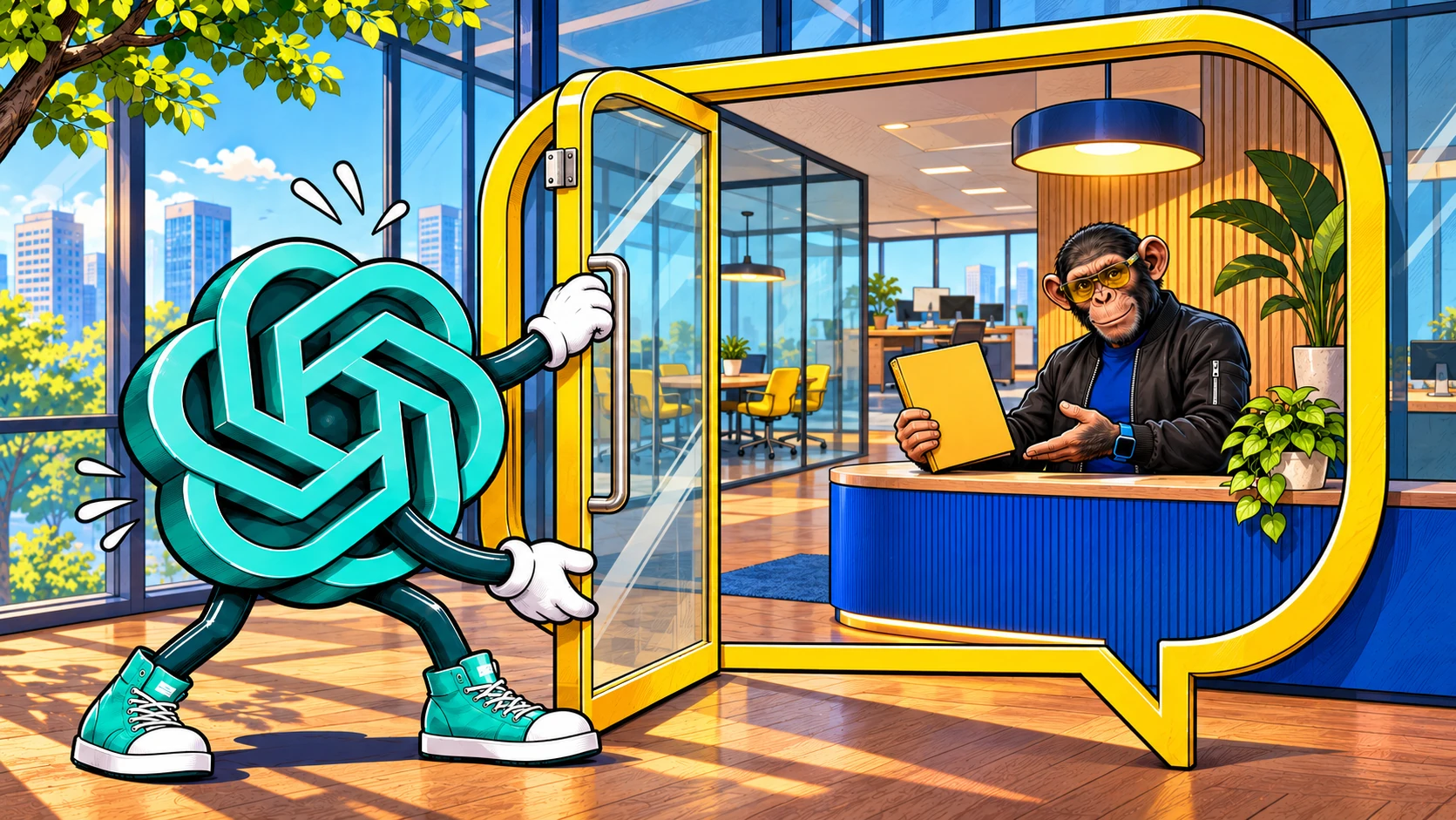
A shopper asks ChatGPT to compare two backpacks. After reading the answer, they open a brand’s profile and choose to ask its AI agent whether a laptop will fit.
The important change is who is answering. The first conversation is with ChatGPT. The second is with AI representing the business, using information and guidelines the business supplies. OpenAI says that handoff is labeled and opens a separate conversation.
That is the useful idea behind Businesses in ChatGPT, launched in beta on November 10. Businesses get a place to contribute current information, understand some of the attention they receive, and, if eligible, answer follow-up questions through an agent. Customers get another way to investigate an offering before visiting its website.
Business Hub and agents are free for now, according to Digiday’s reporting from OpenAI’s launch briefing. Advertising remains a separate paid route.
Claiming a profile does not let a company write ChatGPT’s independent recommendations. A blue check is not a purchase order for better placement.
This is also separate from buying a ChatGPT Business subscription or using a ChatGPT plan in partner apps. Similar names, different jobs.
Five things that should stay separate
| Element | What it changes | What it does not establish |
|---|---|---|
| Business profile | A route to submit business details and product information through Business Hub | Exclusive control over every listing or generated answer |
| Verification | Confirmation through OpenAI’s claim and identity-review process; the badge follows approved Persona verification | Automatic eligibility for an agent or a quality endorsement |
| Discovery and engagement insights | Aggregate information about mentions, website clicks, and discovery themes | Access to individual customers’ conversations or proof of sales |
| Business Agent | An optional, published AI conversation representing an eligible business | An independent buying adviser or a general transaction service |
| Paid advertising | A separate sponsored route, subject to advertising access and campaign setup | Influence over ChatGPT’s independent answers |
The distinction matters when deciding how much work to do. Keeping a profile accurate and operating a customer-facing agent are different commitments. Buying advertising is a third decision.
What customers encounter
OpenAI’s launch explanation describes a customer opening a business profile from a model response, then choosing to chat with an available agent. The business conversation is separate from the original chat and visibly identified as business-run. Sponsored placements are labeled separately too.
In the backpack example, asking the agent about dimensions or the returns policy makes sense. Treating its answer as a neutral comparison with every rival requires more caution. Its role is to represent that seller.
The Business Agents policy puts obligations on the business. It must identify the agent as AI representing it and must not instruct it to invent prices, qualifications, reviews, or guarantees, hide relevant fees or conditions, or pressure customers after they decline. These rules do not guarantee correct answers: OpenAI’s terms warn that agents can produce inaccurate or unexpected responses or actions.
The current setup guide limits agents to explanation and website links. They cannot complete purchases, bookings, or order checks, or use a separate plugin’s data or capabilities.
The terms discuss broader possible connections and actions. That contractual language is not evidence that those functions are available in the current product.
Can your business claim a profile?
OpenAI’s launch announcement says any eligible business located where ChatGPT is available can claim through Business Hub. The required verification must also be supported for the business’s location and type.
The business landing page says claiming is initially for eligible businesses with a website. Industry, verification, and integrity checks still apply. The setup guide adds these practical distinctions:
- Local store or restaurant: currently limited to claiming an existing US listing.
- Online business: eligible applicants may see an add-business option.
- Business Agent: the release notes specify eligible US ecommerce and online-service businesses with a website. Separate industry and intended-use review still applies.
There is no complete public country-and-category eligibility matrix in the sources we checked. OpenAI’s profile policy allows it to defer categories or reject claims for safety and integrity reasons. The agent policy explicitly says business verification does not guarantee agent access.
For readers outside the US, the online-profile route should not be confused with worldwide agent availability. OpenAI plans expansion; the checked sources do not provide a non-US agent launch date. Nor do they establish that any particular applicant will qualify.
The short setup decision path
OpenAI’s release notes set out the approval sequence. The important decisions are:
- 1Find the right business. Sign in on the web, open Business Hub, and search. Use the applicable existing-listing or eligible online-business route. You must own the business or have authority to represent it.
- 2Get the claim approved. Complete an offered verification method and wait for OpenAI’s decision. Shopify merchants can also start through their store’s integration.
- 3Complete Persona approval. This separate identity check unlocks profile changes, feeds, insights, and eligible agent creation. The badge requires approved Persona verification, beyond claim approval.
- 4Choose the work you need. An approved profile can be useful without an agent. Product feeds supply prices and availability; connecting one does not publish an agent.
- 5Publish an agent deliberately. Where eligible, review its information, test realistic questions, correct mistakes, and publish when ready. Advertising is a separate decision afterward.
The landing page’s shorter blue-check explanation should be read with the more precise setup guide.
Only draft profiles can be deleted through setup. Support cannot delete, hide, or unpublish published profiles for setup or ownership requests. For new profiles created through Persona, approval publishes the profile automatically; agent publication remains separate.
What the insights can tell you
The attraction is straightforward: a business can see some of the attention that previously disappeared inside chatbot answers. OpenAI’s announcement identifies aggregate mentions, website clicks, and discovery topics, subject to privacy thresholds. It says businesses do not receive user conversations or Business Agent chats.
The setup guide gives the numbers a more specific meaning:
- Insights cover 28 days.
- Online mentions require website references; local mentions count displayed location results.
- Topics group answer themes without exposing individual prompts or directly measuring customer intent.
- Blank values can reflect thresholds, data collection, or unavailable reporting, rather than zero activity.
Read clicks as an engagement signal, then check your own website and sales evidence before declaring a commercial result. A dashboard can help identify a question worth investigating. It cannot tell you that every person who saw your business became a customer.
How much does it cost?
Digiday reports that Business Hub and agents are free for now. OpenAI’s VP of monetization, Benji Shomair, left open the possibility of charging later at the launch briefing.
| Activity | Cost position in the checked sources |
|---|---|
| Claiming and managing a profile | Reported free for now |
| Viewing Business Hub insights | Included in Business Hub, reported free for now |
| Operating a Business Agent through Business Hub | Reported free for now |
| Sponsoring an agent through ads | Campaign billing applies; no separate sponsored-chat or per-message charge, per OpenAI. |
This is a briefing statement, with no published commitment to lasting free access. A paid ChatGPT Business subscription is not established as a requirement in the checked documentation.
The Sponsored Business Agent guide says access is rolling out to eligible advertisers. Business Hub and Ads Manager settings do not currently sync. Eligible advertisers must reuse their information and guidelines in Ads Manager, then test and publish there.
Publishing alone does not start ad delivery; an eligible campaign must enable it. Campaign spend remains separate. OpenAI says ads do not influence its independent answers.
What remains outside your control
Submitting accurate information is worthwhile. It still does not make the profile your own publishing platform.
The Businesses in ChatGPT terms let OpenAI supplement or replace listing information using other sources and maintain a listing after a business stops managing it. They offer no guarantee of ranking, traffic, or sales. Shomair also told the launch briefing, according to Digiday, that claiming “should not have an impact on how frequently it appears.”
The display license for basic information you submit for public display is perpetual and irrevocable. Covered fields include business name, address, contact details, category, opening hours, and website.
OpenAI may create and configure an agent before you elect to use it. It becomes available to customers only when you choose to publish. If you enable or publish an agent, you are responsible for its content, configurations, Actions, and outputs even when you did not provide, review, or approve them. Here, Actions means connected APIs, websites, or services; the terms do not establish that these are currently available.
The terms also restrict insight-data sharing and contain feed obligations and broad claims waivers covering submitted and other online content. Read them before accepting, especially where content licensing matters. Treat them as commercial commitments.
Our practical recommendation is to assign someone to keep the information current before adding a conversational sales surface. For the backpack seller, that means an owner for changed specifications, stock information, and return rules. A polished answer based on last month’s policy is still the wrong answer.
This assessment uses OpenAI’s public documentation and Digiday’s launch-briefing reporting. We have not claimed a business or tested an agent.
Choosely’s verdict
Businesses in ChatGPT is worth assessing as a way to supply better business information and understand some of its discovery. An eligible business with clear product information and recurring customer questions may also have a sensible use for an agent.
Start with the smallest useful job. Check the claim route, verify the costs and terms presented to your business, and decide who will maintain the information. Add an agent when you can test and support its answers. Consider advertising against a separate budget and commercial goal.
For customers, notice when the conversation changes hands. Chatting with a seller’s AI can be useful. Knowing whose interests it represents is part of using it well.
The opportunity is better information and a more direct conversation. The promised outcome is not better ranking or more sales.
The Change Brief
Get the week’s AI changes in one clear read
Pricing moves, tool launches, free-tier changes and practical stack updates, filtered for people who actually use these tools.
Stay ahead of AI without following it all day. We’ll send you what matters each week.
Continue reading
Related reads
AI Strategy
Can You Use ChatGPT Plus in Other Apps? Sign in with ChatGPT Explained
Go, Plus, Pro and Business can fund eligible requests in supported apps. Business membership and workspace controls matter; partner charges remain separate.
AI Strategy
What Can AI Do for My Business? 7 Practical Ways to Use It Without Becoming an "AI Expert"
A practical guide for business owners who want to understand where AI genuinely saves time, reduces friction, and improves daily work without needing deep technical knowledge.