 CHOOSELY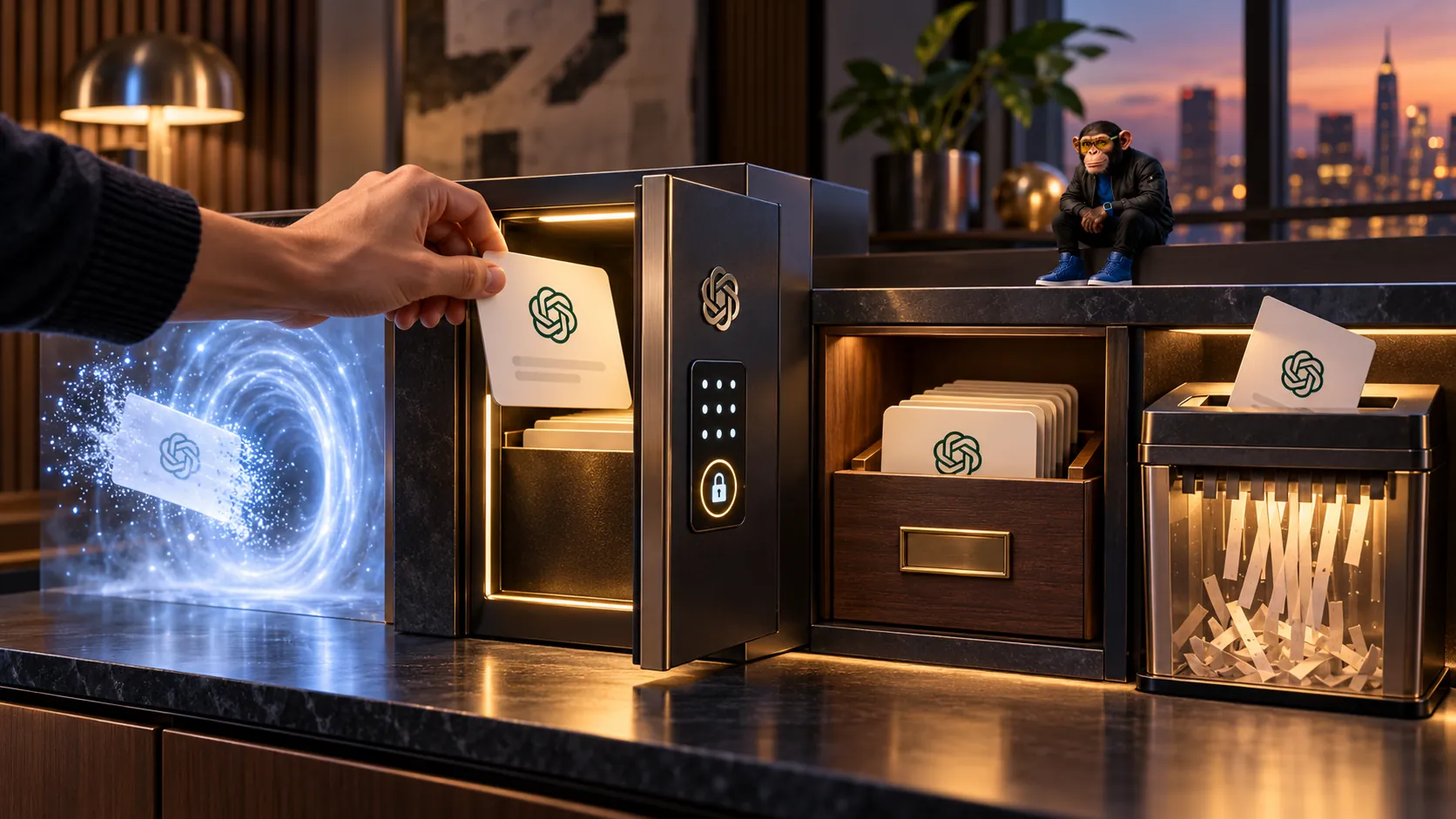
You can now put selected ChatGPT conversations behind a four-digit PIN. That is useful if someone else might use your device. It does not make the conversation disappear from OpenAI's systems or change whether it is eligible for model improvement.
Choose based on what you need: Lock a saved conversation you want to reopen privately. Use Temporary Chat for a new conversation you don't want saved to history. Archive to clear clutter without losing a chat. Delete when you want a conversation removed. OpenAI documents Locked Chats, Temporary Chat and Archive/Delete separately. Here is the practical choice in one place.
Locked Chats, Temporary Chat, Archive and Delete compared
| Control | Saved and reopenable? | Training and retention effect | Best when |
|---|---|---|---|
| Lock | Yes, with PIN or supported device unlock | No change to existing settings | Keep a chat, limit casual viewing |
| Temporary Chat | No history unless you choose Save | No model improvement while temporary; safety copy up to 30 days | Start a one-off conversation |
| Archive | Yes, and it stays searchable | No change | Tidy the sidebar |
| Delete | No. Chat cannot be restored | Deletion scheduled within 30 days, subject to exceptions | Remove an unwanted chat |
Archived chats stay searchable. Locked chats leave ordinary history, pinned lists and regular chat search, but can be reopened through Projects > Locked chats. A deleted chat disappears from your account view immediately. OpenAI schedules permanent deletion within 30 days, except where de-identification or security and legal obligations affect retention. OpenAI does not say deletion reverses earlier model-training use. See retention details.
There is a fifth situation: a conversation you previously shared by link. Locking it leaves that link active. Go to Settings > Data controls > Shared links > Manage and delete the link to revoke future access. Deleting the original conversation also removes its shared conversation link, although copies recipients already saved remain. OpenAI's sharing guide explains the difference.
The PIN mistake that can permanently erase your conversations
If you forget your account PIN and reset it, OpenAI permanently deletes all locked chats, memories stored only in locked chats, and files or other material protected only by the previous PIN. Support cannot restore them. This includes protected files created or uploaded before or after the chat was locked. Forgetting a PIN or entering a wrong guess does not itself delete anything. Too many wrong attempts cause a temporary lockout. OpenAI's PIN guidance is explicit.
Changing a PIN you still know is different. Go to Settings > Security and login > Account PIN and select Change (Change PIN on mobile). Enter your current PIN, then choose a new one. Your locked chats remain. The destructive forgotten-PIN reset ends with Reset PIN & Delete on web, desktop and Android, or Delete all and reset on iOS. Do not use that procedure as routine troubleshooting.
How to lock and reopen an eligible chat
- 1Open the conversation's more options (•••) menu.
- 2Choose Lock chat, then confirm Lock chat.
- 3Set your four-digit account PIN if prompted, or enter the existing one. ChatGPT also prompts you to create a PIN the first time you open the Locked chats area.
- 4To reopen the conversation, select Projects > Locked chats, authenticate and select the chat.
- 5Choose Lock now when finished. You can also start a new conversation from the Locked chats area after setting it up.
On the web, switching to a regular conversation in the same tab does not end unlocked access. Leaving the tab for a while, refreshing or closing it does. On iOS and Android, access relocks after about a minute away or in the background; iOS can offer Face ID or Touch ID and Android Use device unlock. On the new ChatGPT macOS/Windows desktop app, Locked Chats is supported but Voice inside locked chats is not; Voice is supported on web and mobile where available. Device unlock does not replace the underlying account PIN. Current device guidance.
Permanently unlocking a chat (Unlock chat, or Unlock on iOS) returns it to normal history. If it came from a Project, it does not automatically return to that Project. An open locked chat is also copyable by anyone who successfully gains access to it.
Temporary Chat can use memory, if you let it
Before sending the first message in Temporary Chat, choose Personalized or Unpersonalized. Check which one is selected before typing because ChatGPT can remember your last choice. Personalized can use existing memories, custom instructions and supported plugins. Unpersonalized avoids those sources for ordinary personalization. Neither option creates or updates memories while the chat stays temporary. Limited safety-related context may still apply.
Temporary conversations stay out of history and are not used to improve OpenAI models while temporary. A safety copy may be retained for up to 30 days. You can later select Save to convert one into a regular chat. Your usual personalization, model-improvement and retention settings then apply. If a GPT sends information to a third party through an action, that party's privacy rules apply. OpenAI's current Temporary Chat documentation explains the choices.
What locking changes behind the scenes
Memory: Locked chats can use existing regular Memory if enabled. New information remembered while locked can help other locked chats, but does not automatically enter regular Memory. Locking does not erase information remembered earlier. After permanent unlock, the full conversation may become available to regular Memory under your settings. Memory guidance.
Files: Files uploaded or made within a locked chat are protected with it and hidden from the separate file area while locked. A file added separately to Space or Library, or brought from a connected service, keeps its own access rules. OpenAI uses Space in place of Library for eligible accounts, but Library remains on others. Deleting a chat doesn't delete a separately saved file. Space and Library have separate guidance.
Projects and workspaces: Locking an eligible Project chat moves it out of the Project and stops using that Project's instructions, files and memory. Think carefully before doing this to a long-running work conversation. Business, Enterprise and Edu retention policies still apply. Workspace admins cannot unlock chats, reset your PIN or disable Locked Chats through a workspace setting. Enterprise and Edu locked chats remain in authorized compliance message logs. OpenAI makes that statement for Enterprise and Edu, not Business. Official Locked Chats guide and Enterprise/Edu release notes.
Locking also does not add end-to-end encryption or a separate encrypted vault, change retention, or switch off Improve the model for everyone. If model improvement worries you, review Settings > Data controls and Choosely's existing training opt-out guide. This is a separate choice from locking a saved conversation.
Why Lock chat might not appear
OpenAI says Locked Chats is rolling out gradually to Free, Go, Plus, Pro, Business, Enterprise and Edu, on web, iOS, Android and the new macOS/Windows desktop app. ChatGPT for Healthcare is excluded. A supported plan does not mean every account already has the feature.
OpenAI also excludes Temporary and archived chats, group chats, conversations created from shared links, meeting-recording chats, background-task chats, chats with responses saved as Project sources, Codex conversations, local Work conversations, and chats in the earlier Health experience. Eligible chats using the separate Health app can still be locked. Project eligibility varies by platform. If a chat contains scheduled tasks, including paused tasks, OpenAI requires deleting them before locking. Decide whether losing that task is worth it. Eligibility and exclusions.
Choosely's verdict
Use Lock to keep an existing chat behind an extra access check, Temporary when you prefer not to save a new conversation, Archive for organization, and Delete for removal. Before locking important content, understand what the PIN reset would destroy, and check any separate sharing, memory and training controls.
FAQ
Are locked ChatGPT conversations encrypted?
Locked Chats does not create end-to-end encryption or a separate encrypted vault. It controls access to a saved conversation inside your account. Standard service protections and your account or workspace policies still apply. OpenAI's Locked Chats guide explains the limit.
Can I recover chats after resetting a forgotten PIN?
No. A forgotten-PIN reset irreversibly deletes locked chats and content protected only by the previous PIN. Changing a PIN with your current PIN keeps them. OpenAI Support cannot restore material deleted by a reset. OpenAI's account PIN instructions distinguish a change from a destructive reset.
Can my employer's administrator see or unlock locked chats?
Admins cannot unlock your locked chats or reset your PIN. But locking does not override organizational retention or compliance access. OpenAI specifically says Enterprise and Edu conversations remain available through authorized compliance message logs. OpenAI's Enterprise and Edu release notes specify this scope.
The Change Brief
Get the week’s AI changes in one clear read
Pricing moves, tool launches, free-tier changes and practical stack updates, filtered for people who actually use these tools.
Stay ahead of AI without following it all day. We’ll send you what matters each week.
Continue reading