 CHOOSELY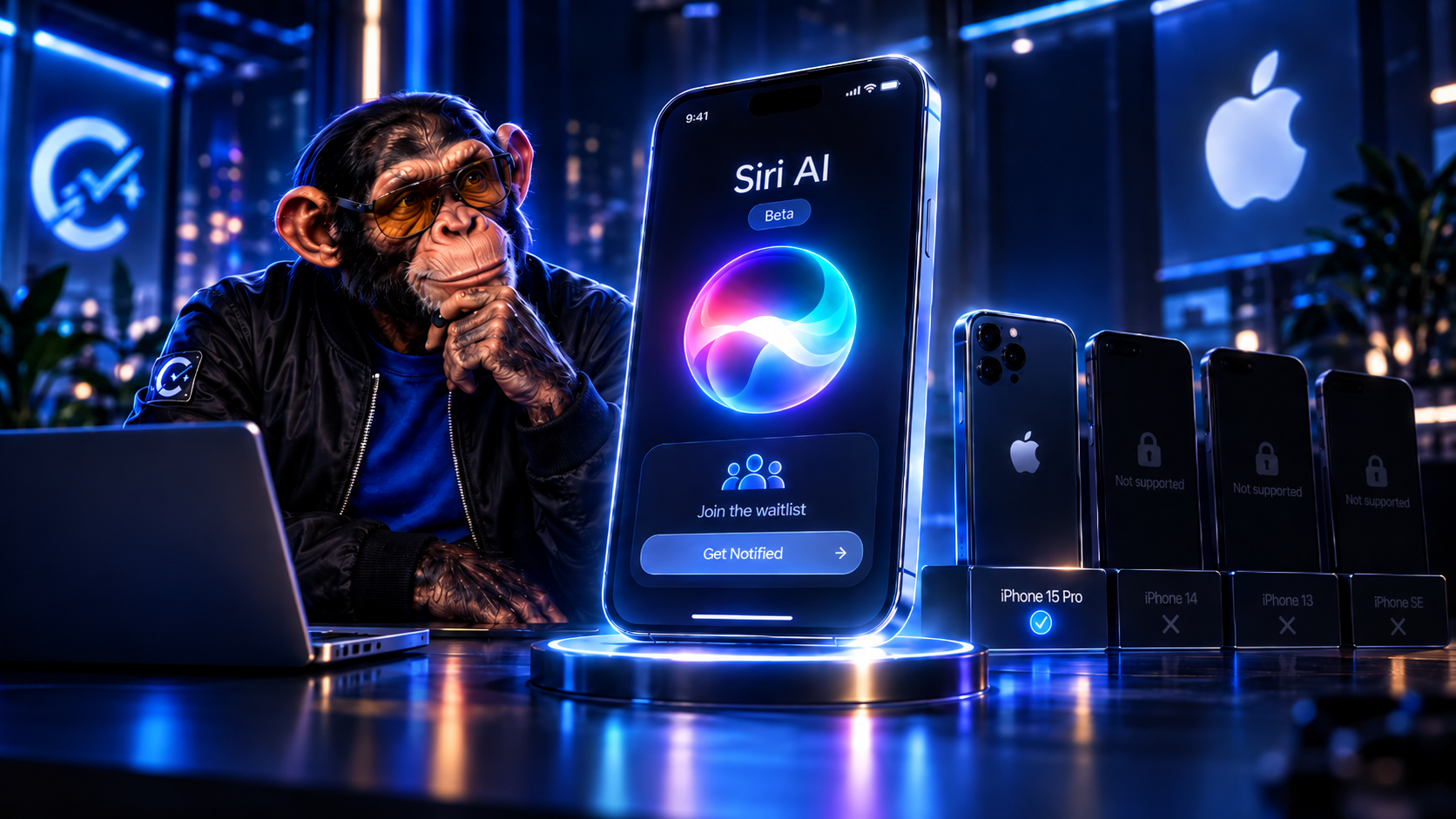
Apple’s biggest Siri upgrade in years has arrived with iOS 27, but installing the update does not automatically unlock it. Siri AI is rolling out through a waitlist, requires newer hardware, and even some compatible iPhones miss its most advanced voice features.
The useful comparison is with ChatGPT: Siri AI is designed to work with the information, apps and actions already living on an iPhone.
Evidence update, October 1, 2026. This article previously described Choosely hands-on tests and an Australian waitlist experience. No reproducible test record was available in the project material reviewed for this update, so those first-person results have been removed. The assessment below is based on cited Apple documentation and clearly identified reporting.
That distinction turns out to matter.
How to get Siri AI on iOS 27
If you updated to iOS 27 and Siri still feels exactly the same, your phone is not necessarily broken.
Apple released Siri AI on September 14, 2026, but access is being granted separately through a gradual beta rollout.
On a compatible iPhone:
- 1Open Settings.
- 2Tap Siri.
- 3Tap Try Siri AI (Beta).
- 4Follow the prompts.
- 5Join Apple’s waiting list.
Apple’s current setup guide confirms the activation path. Once access is approved, Apple enables the new Siri experience.
Siri AI can then be invoked by saying “Siri” or “Hey Siri,” holding the side button, opening the dedicated Siri app, or swiping down from the Dynamic Island on supported devices.
The important catch is that iOS 27 supports many more iPhones than Siri AI does.
iOS 27 runs on the iPhone 11 generation and newer, including the second-generation iPhone SE. Siri AI requires Apple Intelligence hardware, beginning with the iPhone 15 Pro and iPhone 15 Pro Max.
So yes, you can run the latest iOS and still have the old Siri.
How long does the Siri AI waitlist take?
Apple does not provide a fixed approval time.
The company says Siri AI is being rolled out gradually. Current reports range from approvals within minutes to users waiting hours or days.
The published reports are individual accounts, not a reliable estimate for every user. Access can take longer than the minutes-to-hours experiences reported by some early users.
There also does not appear to be a reliable trick for jumping the queue.
Join the waitlist and wait for Apple’s notification.
If TikTok tells you to change your region twelve times, reboot three times and face Cupertino while holding the side button, perhaps give the official rollout a chance first.
Which iPhones support Siri AI?
This is worth checking before repeatedly restarting your phone.
Apple’s current Apple Intelligence compatibility list includes:
| iPhone | Siri AI |
|---|---|
| iPhone 15 | No |
| iPhone 15 Plus | No |
| iPhone 15 Pro | Yes |
| iPhone 15 Pro Max | Yes |
| iPhone 16e | Yes |
| iPhone 16 | Yes |
| iPhone 16 Plus | Yes |
| iPhone 16 Pro | Yes |
| iPhone 16 Pro Max | Yes |
| iPhone 17e | Yes |
| iPhone 17 | Yes |
| iPhone Air | Yes |
| iPhone 17 Pro | Yes |
| iPhone 17 Pro Max | Yes |
| iPhone 18 Pro | Yes |
| iPhone 18 Pro Max | Yes |
| iPhone Duo | Yes |
An iPhone 11, 12, 13, 14, standard iPhone 15 or iPhone 15 Plus can therefore install iOS 27 without getting Siri AI.
Apple’s software-support window and its AI hardware requirements are now separate things.
If you are buying an iPhone specifically for Siri AI, ask whether it supports Apple Intelligence, not merely whether it runs iOS 27.
There is also a second hardware tier
Even among Siri AI-compatible iPhones, feature support is not identical.
Apple’s more capable on-device model, AFM Core Advanced, powers features including more expressive Siri voices and more advanced dictation on selected hardware. Apple currently lists the strongest confirmed expressive-voice support across:
- iPhone Air
- iPhone 17 Pro
- iPhone 17 Pro Max
- iPhone 18 Pro
- iPhone 18 Pro Max
Apple’s September launch documentation also lists iPhone Duo among devices using AFM Core Advanced, including expressive voices and advanced dictation. However, Apple’s current iPhone support guide omits Duo from its separate Siri Expressive Voices compatibility list.
Until Apple reconciles those two pages, Choosely is treating expressive-voice support on Duo as unclear.
The iPhone 17, 17e, 16-series devices and iPhone 15 Pro models still receive Siri AI. They simply do not receive every higher-end voice and dictation feature.
For most buyers, that should not determine an entire phone purchase.
If improved dictation or Apple’s more expressive Siri voice is one of your main reasons for upgrading, however, it is worth knowing.
What is actually new about Siri AI?
The old Siri was fine at setting timers, calling people and handling basic phone commands.
Ask anything complicated and the experience could unravel quickly.
Siri AI is designed to behave more like the modern assistants people now expect. Apple says it can sustain conversations, use broader world knowledge, understand content already on your screen, use personal context from apps and perform more actions across the device.
In normal language, that means Siri can potentially retrieve something somebody sent you in Messages, find information buried elsewhere on your phone, understand what you are currently looking at and then help you do something with it.
That last part is the clearest distinction from a standalone chatbot.
What the available evidence shows
Apple describes personal-context retrieval, onscreen awareness, conversational follow-ups, writing and actions across apps. Those are product capabilities claimed by Apple, not a Choosely performance benchmark.
If they work reliably in a user's own apps, they could reduce the need to copy information into another assistant or reconstruct context manually. Reliability and task speed still need independent, documented testing.
Siri AI makes more sense when you stop treating it like ChatGPT
This is probably the most useful way to think about the product.
ChatGPT is usually the stronger place to go when you want to work with AI.
Siri AI becomes more interesting when you want AI to work with your iPhone.
Those are different jobs.
For research, detailed analysis, large files, complex writing or specialist workflows, Siri is not suddenly a replacement for ChatGPT.
But imagine asking an assistant for information you know exists somewhere on your phone.
With a general chatbot, you may first need to find it yourself, copy it, upload it or explain enough context for the model to understand what you want.
Siri’s advantage is that it can potentially find the information where it already lives and then act on it.
That distinction is why Siri AI may be useful even when another assistant gives stronger standalone answers.
Siri finally keeps the conversation
iOS 27 also introduces a dedicated Siri app.
Siri AI conversations can be revisited instead of disappearing after each request, and Apple says conversational history can sync through iCloud across supported Apple devices.
Anyone accustomed to ChatGPT will find that behavior completely normal.
For Siri, it represents a major change.
The assistant is no longer designed purely around isolated commands. Apple wants Siri to maintain enough conversational context that follow-up requests feel natural.
Apple describes conversational follow-ups, but the quality of that experience needs testing across real tasks.
Siri can understand what is already on your screen
One of Siri AI’s more useful improvements is onscreen awareness.
Instead of copying text or explaining what you are viewing, you can ask Siri about information already visible on the iPhone.
Apple demonstrates examples including explaining onscreen content and acting on information already visible.
Apple says Siri can interpret onscreen material without requiring the content to be manually copied into another app. Actual results will depend on the app and the request.
That sounds like a small convenience.
It is exactly the sort of small convenience that makes an assistant easier to use repeatedly.
Writing Tools and Write with Siri
Apple has two related writing experiences.
Writing Tools can rewrite, proofread and summarize text across supported apps and websites.
With Siri AI enabled, users can also ask Siri conversationally to draft text, rewrite it, proofread it or change its tone.
Think:
- drafting a message
- cleaning up an email
- shortening a paragraph
- changing the tone
- proofreading
- summarizing notes
Apple's guide describes message drafting with Siri. This article does not independently measure the quality of those drafts.
None of these writing capabilities is revolutionary in 2026.
The advantage is distribution.
Millions of people who would never deliberately open a dedicated AI writing app already know how to invoke Siri.
Is Siri AI basically ChatGPT inside the iPhone?
No.
Siri AI is Apple’s system-level assistant, built around Apple Intelligence and deeply integrated into iPhone, Messages, Mail, Photos, Camera, Calendar and other parts of the operating system.
Apple says its next-generation models were developed in collaboration with Google and Gemini technology, with different workloads handled on device or through Apple’s Private Cloud Compute infrastructure.
For ordinary users, the practical distinction matters more than the model architecture.
ChatGPT is a destination. Siri is part of the phone.
ChatGPT remains better suited to many long-form research, analysis and specialist AI workflows.
Siri’s advantage is context and access.
It may already know where the relevant information lives and have permission to do something with it.
Apple does not need Siri to beat every frontier model on an intelligence benchmark if it becomes the assistant that removes friction from everyday use of the device.
Siri AI has usage limits
There is still an important catch.
Apple says certain Apple Intelligence features using server-side models are subject to daily usage limits.
That includes Siri AI, but the policy is broader than Siri. Other server-powered Apple Intelligence features including intelligent photo editing, Image Playground and cloud models used through Shortcuts can also be limited.
Apple has not published a simple allowance such as “50 Siri AI requests per day.”
Limits can instead vary based on the feature, request complexity, system demand, system policies and other factors.
Apple also says expanded access will be available for a fee in the future.
Reporting has indicated that higher access is expected to be linked with select iCloud+ plans, although Apple has not published final consumer pricing in the current Siri AI launch material.
So Siri AI is included on compatible hardware today, but heavier future AI use is likely to become part of Apple’s services business.
That deserves watching.
Is Siri AI available in Australia?
Yes.
Siri AI is rolling out in English on supported Apple Intelligence devices in Australia.
The initial beta launched in English, with additional languages scheduled to follow.
Australia therefore avoids some of the geographic restrictions affecting the European Union and mainland China.
Why is Siri AI not available on iPhone in the EU?
Apple says Siri AI is not initially available on iOS, iPadOS or watchOS in the European Union and says it is working toward a path that preserves its privacy and security requirements.
The European Commission disputes the implication that the Digital Markets Act prevents Apple from launching it.
The Commission’s position is that the DMA does not prohibit Apple from introducing new products as long as required interoperability obligations are met, and that delaying Siri AI on those platforms is Apple’s decision.
For European consumers, the practical result is straightforward.
Even supported iPhones do not currently receive Siri AI.
What happens to the personal information Siri can now understand?
This is the trade-off sitting beneath Siri AI’s strongest feature.
An assistant able to find information across Messages, Mail, Photos, Calendar and other apps can be enormously useful.
It is also handling unusually sensitive context.
Apple tries to keep as much processing as possible on the device. More demanding requests can use Private Cloud Compute, where Apple says personal data is used only to complete the request, is not stored and cannot be accessed by Apple.
The architecture matters.
So does user judgment.
Siri AI becomes more capable because it can understand more of your personal environment. Users should still review permissions rather than treating every requested data source as an automatic yes.
Convenience is not a reason to stop reading permission prompts. Choosely has a wider guide to permissions for always-on AI assistants.
The bigger privacy question may be coming to Apple Watch
Later in 2026, Apple plans to introduce Live Rewind and Siri Recap on newer Apple Watch hardware.
Live Rewind is designed to let users recover the previous few seconds of a conversation as text. Siri Recap can generate a title and key points from real-world conversations.
That is a considerably more sensitive form of context than searching an old email.
Apple has built substantial privacy controls around these features.
Audio first enters a protected hardware buffer on Apple Watch. Live Rewind processing can remain within the paired device system. For Siri Recap, encrypted audio is transferred to the paired iPhone, where it is decrypted inside protected hardware, transcribed and condensed. An encrypted shortened text representation can then be sent to Private Cloud Compute to generate the summary.
Apple says it does not store an original audio recording and that request data processed through Private Cloud Compute is not accessible to Apple.
Live Rewind also uses audible and visible indicators, while Apple says recap features do not identify individual speakers and are designed to exclude certain sensitive information. Saved summaries and Live Rewind text can sync through iCloud with end-to-end encryption.
Those safeguards are meaningful.
The underlying capability will still create a legitimate privacy debate.
A watch that helps somebody remember what was just said can be extremely useful. A computer that can summarize real-world conversations also pushes personal AI further into spaces where not everyone involved is necessarily the device owner.
That discussion is only beginning.
Is Siri AI actually worth using?
Based on Apple's documented capabilities, Choosely's answer is potentially, with the right expectations.
That is not where Siri AI currently looks strongest.
Its real advantage is being woven through the operating system.
Apple says Siri can find personal context, understand onscreen information, retain conversational context and take actions. This article does not independently establish how reliably or quickly those tasks complete.
That is much more compelling than another chatbot that can write a better paragraph.
The caveats remain.
Siri AI is still in beta. Access has been gated through a waitlist. Server-powered features have usage limits. Hardware support is fragmented, and Apple’s newest devices receive capabilities that some older Siri AI-compatible models do not.
The product makes more sense when judged by how well it works with information and actions on the iPhone.
Apple arrived late, but it arrived with an advantage
Apple did not teach the world how to talk to AI.
ChatGPT and its rivals already did that.
People now expect conversational follow-ups, useful writing, current information and assistants capable of understanding complex requests.
Siri spent years falling behind those expectations.
Apple’s advantage is not simply another language model.
It owns the device.
If Siri becomes good at understanding your messages, your photos, your calendar, what is currently on your screen and what apps can actually do next, the competition stops being only about which model writes the smartest response.
Sometimes the best assistant is the one that already has the right context and permission to finish the job.
That is where Siri AI starts to become interesting.
Choosely verdict
Siri AI is easiest to misjudge when treated only as a standalone chatbot.
Treated like a standalone chatbot, Apple’s new assistant can feel less impressive than tools such as ChatGPT.
Used around the iPhone itself, the picture changes.
Apple's documented design brings personal context, onscreen material, follow-up questions and actions into one system assistant. Whether that works consistently in day-to-day use still needs documented independent testing.
That exposes Apple’s real advantage.
Siri AI does not need to beat ChatGPT at writing essays, conducting deep research or answering every difficult question. It needs to remove friction between what you want to do and the information already sitting on your iPhone.
On that measure, Siri AI has a plausible advantage over a standalone chatbot.
There are still limitations. The rollout remains messy, some features have usage caps, hardware support is fragmented and this remains a beta.
Its value will depend on how reliably it completes those iPhone tasks in practice.
The new Siri is not the best chatbot on your iPhone. It may become the most useful AI assistant on it.
Keep your AI stack from going stale
Siri AI is one more reason to keep an eye on which assistants are earning access to your work and personal context. Choosely’s Stack Intelligence keeps saved tools and workflows visible when models, limits, access or pricing materially change.
Save the AI tools you rely on in Choosely
FAQ
How do I get Siri AI on iOS 27?
Open Settings → Siri → Try Siri AI (Beta) on a compatible iPhone and follow the prompts. Apple is rolling access out gradually.
Why don’t I have Siri AI after installing iOS 27?
iOS 27 itself supports iPhone 11 and newer, but Siri AI requires an Apple Intelligence-compatible iPhone. You also need a supported language and access through Apple’s current rollout.
Which iPhones support Siri AI?
Siri AI works on iPhone 15 Pro and 15 Pro Max, the iPhone 16 family including 16e, iPhone 17e, iPhone 17, iPhone Air, iPhone 17 Pro and Pro Max, iPhone 18 Pro and Pro Max, and iPhone Duo.
Does the standard iPhone 15 get Siri AI?
No. The standard iPhone 15 and iPhone 15 Plus can run iOS 27 but do not support Apple Intelligence or Siri AI.
How long does the Siri AI waitlist take?
Apple gives no fixed approval time. Current reports range from minutes to several hours or days.
Is Siri AI good?
Apple positions Siri around personal context, onscreen information and actions across the iPhone. Its real-world reliability needs independently documented testing.
Is Siri AI free?
Siri AI is included on supported hardware, but some server-powered Apple Intelligence features have daily limits. Apple says expanded access will become available for a fee in the future.
Is Siri AI available in Australia?
Apple lists Australia among the supported regions for Siri AI in English on compatible devices.
Can Siri AI read my messages and emails?
Siri AI can use personal context from supported apps such as Messages and Mail to help answer requests. Access depends on permissions and Apple’s privacy architecture.
Is Siri AI the same as ChatGPT?
No. Siri AI is deeply integrated into Apple devices and apps. ChatGPT is a broader general-purpose AI assistant. Apple's documentation highlights Siri's ability to understand and act on information already available on the iPhone.
The Change Brief
Get the week’s AI changes in one clear read
Pricing moves, tool launches, free-tier changes and practical stack updates, filtered for people who actually use these tools.
Stay ahead of AI without following it all day. We’ll send you what matters each week.
Continue reading
Related reads
AI Strategy
The Always-On AI Assistant Is Here. What Should You Actually Let It Do?
Persistent AI assistants can remember, act and continue working after the prompt ends. The real product decision is how much authority they should receive.
AI Tool Recommendations
ChatGPT Voice vs Claude Voice: Which One Should You Actually Talk To?
ChatGPT Voice is the stronger documented fit for fluid everyday conversation, while Claude Voice stands out for model choice and a more deliberate turn-taking style.
AI Tool Recommendations
Which AI Model Should You Use? A Simple Guide to Fast, Thinking and Pro Modes
Start with the normal model and its default reasoning level, then escalate when the task gives you a reason to. A practical guide to Instant, Thinking, effort levels and Pro modes across ChatGPT, Claude and Gemini.