 CHOOSELY
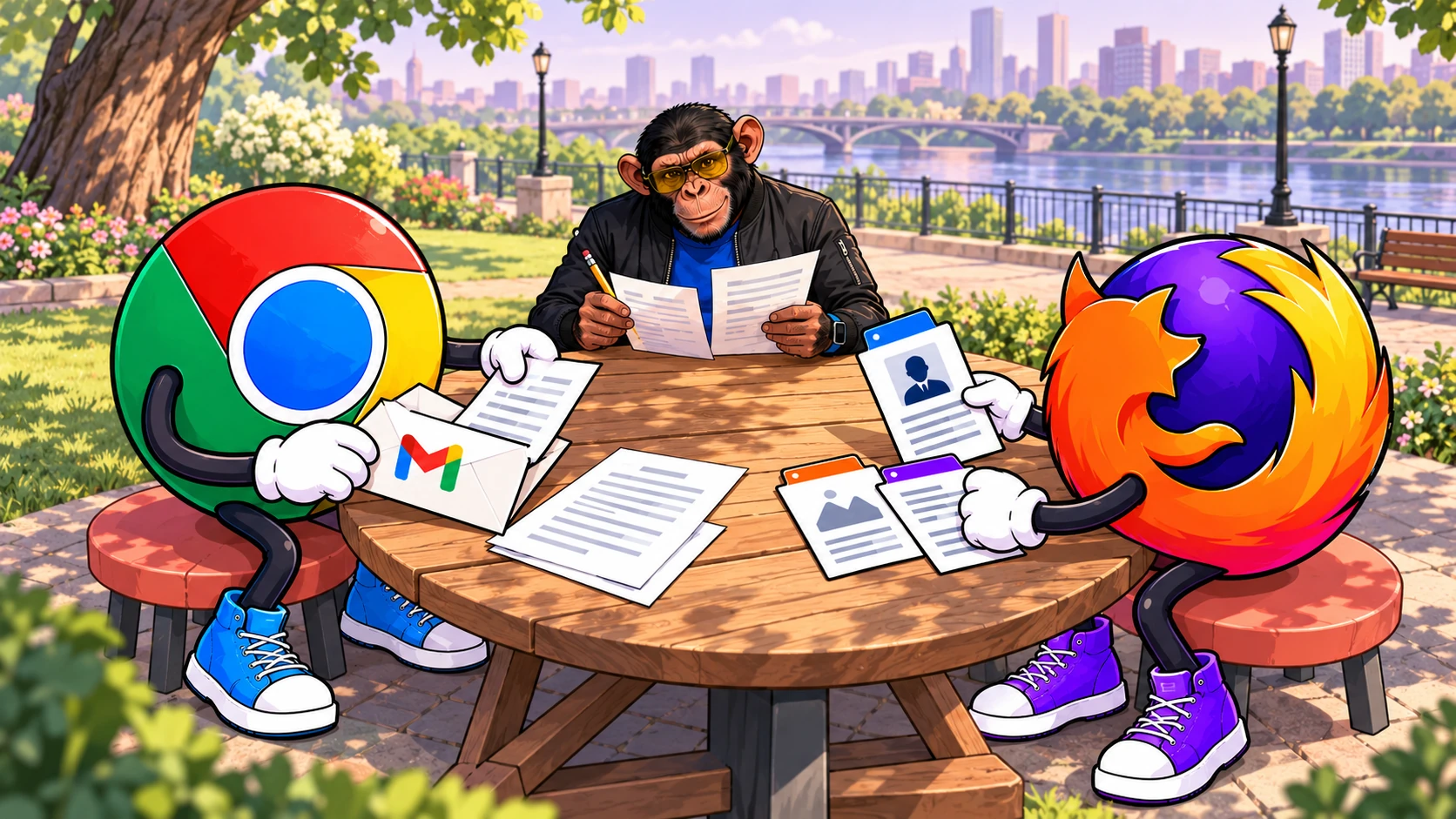
An order number is hiding in your inbox. A job application wants you to describe work already laid out in your portfolio. Each needs a different kind of form-filling help.
Google and Mozilla have announced browser features aimed at those moments. Chrome's enhanced autofill uses Gmail as a source. Firefox's Smart Window uses selected pages to suggest responses. Neither announcement gives us a measured winner, and neither means every reader can start using the feature today.
The practical question is where the answer already lives, and how much work is needed to turn it into the right entry.
Chrome looks for the detail you already received
Google's October 28 announcement describes Gmail-powered suggestions for details including orders, shipment tracking and flight bookings. It uses Gemini with Personal Intelligence.
The appeal is straightforward: retrieve a reference without interrupting the form to search your mail. What matters is an exact match, so check the number against the email before you submit.
Google describes a US rollout across desktop, Android and iOS for Gemini in Chrome users with Personal Intelligence enabled. Its Personal Intelligence requirements specify adults aged 18 or over using a personal Google Account; work, school and supervised accounts are excluded. Personal Intelligence also requires Keep Activity to be on. To connect Gmail, Google requires the setting “Smart features in other Google products” to be enabled. Access is gradual, so eligibility alone does not guarantee the feature has reached your account.
Firefox works from the pages you choose
Mozilla's October 27 update describes a different starting point: a portfolio or professional profile can supply context for an application. Smart Window can suggest text, including responses that draw on that background. You review and edit the result, then submit the form yourself.
That creates a different checking job. A paragraph can sound convincing while overstating your role in a project. Check each claim against your actual experience, including your role and the outcome of the work.
The feature currently supports text fields on supported web forms. Dropdowns and PDF forms are outside its documented support. Mozilla's instructions disagree on the minimum field count, so there is no dependable four-or-five-field rule to give readers here.
| Your immediate problem | Documented route to consider |
|---|---|
| Find a booking or order reference in Gmail | Chrome enhanced autofill |
| Assemble an application response from relevant pages | Firefox Smart Window |
| Reuse a saved address | Ordinary autofill may be enough |
| Have the whole application checked and submitted automatically | Neither announcement establishes that promise |
Selected tabs still mean shared information
Firefox's source selection lets you limit the pages used for AI processing. Mozilla says selected-page information goes to Gemini 3.1 Flash Lite for form filling. Changing Smart Window's chat model does not change that documented form-filling model.
Its dedicated Help page separates this from ordinary saved autofill: locally stored values can be inserted without being sent to an AI model. AI-generated responses follow a different route.
Mozilla's general safety guidance describes a proxy that hides the user's IP address from the AI service, and says conversations are not collected for training or human review unless the user opts in. Those are vendor assurances. A source page can still identify you through its contents.
Google says sensitive data is encrypted. The documentation we reviewed does not settle training or human-review terms for the Gmail route. Its documentation for the related desktop Enhanced autofill feature lists page content, URLs and your interactions with suggestions, and sets consumers to allow model improvement, which can include human review.
A pre-launch report from Chrome's test channel described a narrower assurance that inserted details wouldn't be used for training. Treat that as unconfirmed until Google documents it for the live feature.
If a source contains confidential client information, decide whether it belongs in this workflow before asking the browser to use it.
Access depends on the specific feature
Firefox's form-filling documentation currently lists English locales in the US and Canada. Smart Window is a desktop beta with gradual access and a Mozilla-account requirement, according to its getting-started guide.
Smart Window's wider expansion to France does not establish that this form feature is available there. Similarly, Google's broader personalization documentation lists countries beyond the US, but Google's announcement limits this Gmail rollout to the US.
For readers elsewhere, the rollout restrictions can explain a missing option. There is no reason to rebuild your browser setup around a feature you cannot yet use.
Keep the useful controls within reach
Google says you can manage whether enhanced autofill is on, and what it can access, in Chrome settings. Its desktop documentation places Enhanced autofill under Settings → Autofill and passwords.
In Firefox, review the proposed source tabs and deselect irrelevant ones before generating suggestions. To block Smart Window altogether, Mozilla documents Settings → AI controls → Smart Window → Blocked.
Turning off one feature and disconnecting an app are different decisions. Google's Connected Apps controls can affect Gemini Apps more broadly. Our Personal Intelligence advertising explainer covers a separate Search decision; those settings should not be treated as Chrome-autofill controls.
Choosely's take
Start with the form you actually need to finish. Chrome's documented advantage is finding details already sitting in Gmail. Firefox's is turning selected page context into suggested text. Try the relevant feature only if you have access and are comfortable sharing its inputs.
These documented features alone are not enough reason to change your whole browser. The benefit will depend on how often the feature handles your real paperwork, how much correction it needs and whether the context is appropriate to share.
Keep the final check human: verify a reference against its source, and an application response against what you can honestly stand behind.
This article compares published documentation. Choosely has not tested either feature or measured its speed, accuracy or reliability.
The Change Brief
Get the week’s AI changes in one clear read
Pricing moves, tool launches, free-tier changes and practical stack updates, filtered for people who actually use these tools.
Stay ahead of AI without following it all day. We’ll send you what matters each week.
Continue reading