 CHOOSELY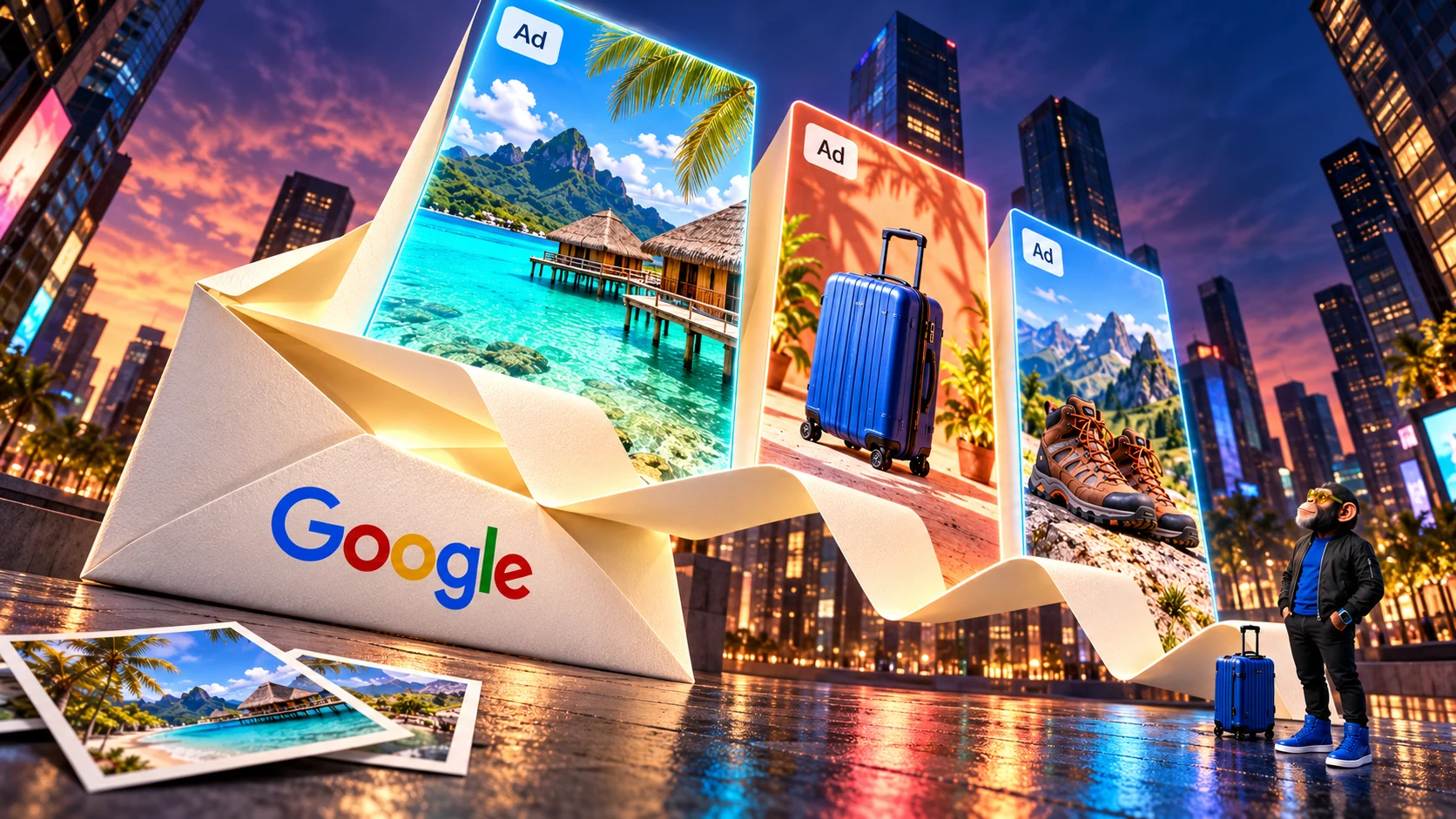
An AI assistant becomes more appealing when you can stop giving it the same background briefing. The hotel is already booked. The confirmation is somewhere in Gmail. You would like a useful answer, without first assembling a small dossier about your own life.
That is the appeal of Google's Personal Intelligence. It is also why an advertising change deserves attention: Google's updated privacy policy explicitly allows information shared from services such as Gmail and Google Photos to help personalize ads in services that support them, including Search.
This does not mean every Gmail inbox has automatically become an advertising source. But connecting personal information for a better AI answer can carry a second purpose, and the experience is changing for people who already said yes.
In March, Google told Search Engine Land that people who connected apps to AI Mode saw no ads, adding that this was not changing at that time. It also anticipated advertising in the future. On October 16, the publication reported Google's confirmation that testing was beginning for those connected users. The reported test has no announced wider rollout.
If the ad-free experience helped persuade you to connect, that is a good reason to revisit the choice.
Why anyone would want this in the first place
The useful part is easy to recognize. A generic assistant needs you to supply the details that make its answer relevant. A personal assistant can potentially start further along. Google's Search policy example describes using a hotel booking in Gmail to tailor restaurant recommendations.
Imagine planning an evening on a trip. “Somewhere near my hotel” becomes a more useful request when the assistant can find the booking itself. The attraction is less copying, less searching and fewer follow-up prompts explaining things you have already organized elsewhere.
For anyone whose digital life consists of scattered confirmations, documents and photos, that is a credible benefit. The assistant handles some of the work of connecting those details. The advertising question follows naturally: the context that helps it understand your plans may also help it understand what you could buy.
The promise now has an exception
Google's October 1 privacy policy excluded content from Drive, Gmail and Photos as a basis for personalized ads. The October 16 revision added an exception when you choose to make data available to another Google service that supports personalized advertising. Search is its explicit example.
Google describes the wording as a clarification. A spokesperson told Ars Technica it does not represent a change in how data is handled with advertising partners. In its statement to the publication, Google emphasized that connections are optional and denied direct inbox or photo-library targeting. That addresses data handling; the separate report that Google is testing ads for connected AI Mode users concerns the experience itself.
The consumer coverage that brought renewed attention to the policy appeared a week after that revision and the reported start of testing. Google's March statement had already left room for future ads. The significant development is that testing now reaches an experience previously kept ad-free.
An insight can still be personal
Google's Search help page distinguishes direct inbox or photo-library targeting from using summaries, excerpts and inferences. Those derived details may inform ads; advertisers cannot access your Gmail inbox or Google Photos.
An inference is a conclusion drawn from information. For an illustrative example, several booking confirmations could suggest that someone is planning a family trip to Bali in March. That understanding could be commercially useful even without the original emails. Choosely uses this solely to illustrate the concept; we have neither observed such an ad nor established that Google offers this targeting category.
The distinction matters in both directions. An advertiser does not gain a window into your inbox, while a summary of your plans can still reveal something personal. Google retains restrictions on sensitive-category ad personalization and sharing identifying information, including protections concerning health, religion and sexual orientation.
The wording on Google Photos' privacy page shows why the boundaries can be confusing. It opens with an assurance that personal Photos data is never used for ads, then explains the exception for sharing with other services. Connect Photos to Search, and Search's rules apply to the information it receives. The product using the information matters as much as where you originally stored it.
Does this affect Gemini?
The Gemini app's privacy guidance currently says its chats are not used to show ads. Gemini features inside Workspace also have separate protections. Google's many AI features therefore need product-specific answers. This reported advertising test concerns AI Mode in Search; connecting apps to Search grants broader access across Search services, including Discover, Maps and Shopping.
Search connections currently cover Gmail, Calendar and Photos. Drive appears in the policy and in Gemini's Workspace connection, but is not yet listed as an available Search connector. Search's feature requires an adult personal account in a supported location, including the US and Australia; individual app and language availability varies. Feature eligibility alone does not establish inclusion in the ad test.
What the controls can actually do
You may like tailored answers while objecting to tailored advertising. Google's My Ad Center lets you turn off personalized ads, and Google says saved account information will then cease being used for ad selection. Ads based on current context can still appear.
There is an unresolved detail. Google's description of AI Mode advertising includes the context of the AI response. The documentation we reviewed does not explain whether an answer informed by connected email could influence a contextual ad when Personalized ads is off. We have no evidence that Google bypasses the switch.
| What you want | Where to act | What this does not settle |
|---|---|---|
| Turn off personalized advertising | In My Ad Center, set Personalized ads to Off and confirm. | Contextual ads remain; the email-informed-response question above is unresolved. Apps stay connected. |
| Stop future access through a Search app connection | In Search Services Personalization, open Additional Personal Intelligence → Connected Content Apps and disconnect the app. | Saved Search history remains and can still be used for model improvement. |
| Review saved activity and future training | In My Activity, manage Search Services History. Review deletion separately from turning history off. | Google says future activity with history off is excluded from generative-AI training unless you submit feedback. Previously extracted training data has separate retention. |
Search settings are changing, so menu labels may vary during the rollout and some accounts still show Web & App Activity. Gemini's connections and activity have their own controls; changing Search settings does not clean up Gemini's records.
Advertising is also only one use of connected information. Google documents model training and human review, with a subset of processed data seen by reviewers. Sometimes a summary can contain a whole short or especially relevant email. Google describes privacy safeguards and warns against connecting material you would not want used for training or seen by a reviewer. Its Search history guidance says training data is disconnected from your account and retained for up to four years. Deleting account history should not be read as a promise to undo prior training.
Choosely's take
If you connected while personal AI Mode was ad-free, reconsider the connection in light of the advertising test. Google had signaled ads might come; you can still decide that the experience now being tested offers a different balance of convenience and privacy from the one you wanted.
Turn off personalized ads if that is your concern. If you want to prevent fresh inbox information entering Search through this connection, disconnect it and separately review saved activity. Treat those as distinct actions, with different limits.
The appeal of an assistant that needs less explaining survives this change. Whether the benefit is worth letting another service use your personal context deserves a fresh answer from you, too.
This analysis draws on published documentation and attributed reporting. Choosely has not tested the advertising experiment, individual settings or the data behind particular ads.
The Change Brief
Get the week’s AI changes in one clear read
Pricing moves, tool launches, free-tier changes and practical stack updates, filtered for people who actually use these tools.
Stay ahead of AI without following it all day. We’ll send you what matters each week.
Continue reading
Related reads
AI Strategy
The Always-On AI Assistant Is Here. What Should You Actually Let It Do?
Persistent AI assistants can remember, act and continue working after the prompt ends. The real product decision is how much authority they should receive.
AI Strategy
ChatGPT Locked Chats vs Temporary Chat, Archive and Delete: Which Should You Use?
Choose when to lock, use Temporary Chat, archive or delete a ChatGPT conversation, with clear PIN, sharing and memory consequences.