 CHOOSELY
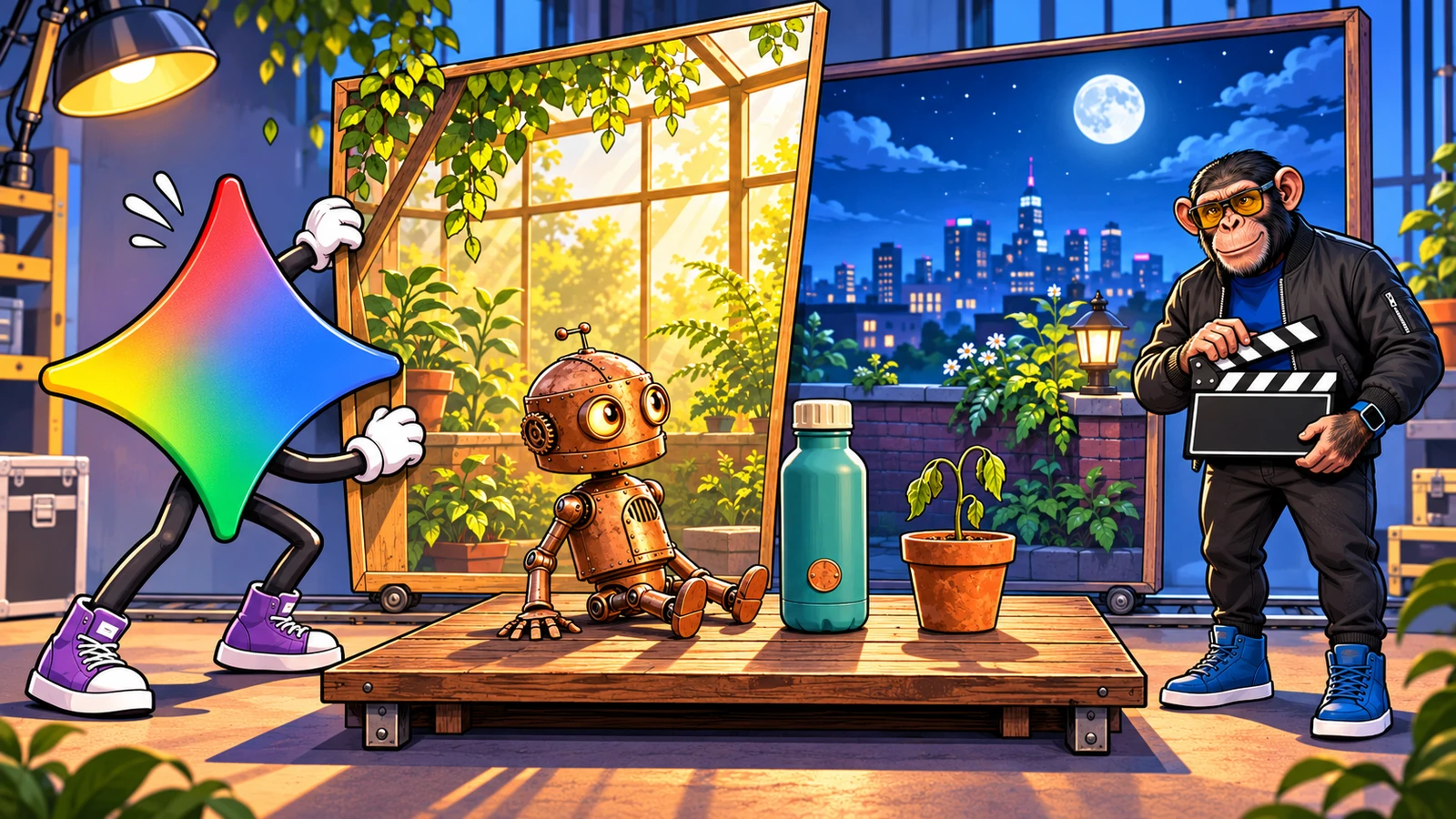
A product appears, someone demonstrates it, and the closing message finally gets a moment to breathe. Five extra seconds can be useful when a short video needs to explain something as well as look impressive.
Google's new Gemini Omni 1.2 Flash raises its single-generation video limit from 10 to 15 seconds. It also brings a more conversational way to revise the result: ask for a different background or lighting, then keep developing the scene.
The practical surprise is access. Google says 15-second creation in the Gemini app is rolling out to Ultra subscribers. Its Flow credit schedule also gives Plus and Pro subscribers the longer duration. Google Vids offers another included route. Your existing subscription may already cover the job.
This evidence-based analysis combines Google's documentation and attributed reporting with an original Omni 1.2 video generated through Higgsfield on November 6, 2026. The Google app, Flow and Vids access details come from documentation.
Five more seconds for the whole idea
For our example, we asked for a tiny copper gardening robot to open a teal reusable bottle, water a seedling and finish beside the product. The 15-second result gives the setup, cap removal, pour and closing composition their own space.
Google's November 5 announcement pairs longer video with better reference following. Product photos, character images and style references give the model something concrete to work from. Google presents more consistent appearance and clearer speech as improvements; creators still need to judge how those claims hold up in their own scenes.
A follow-up prompt can ask for a different setting while retaining the bottle and pouring action. The useful question is whether the revision improves the scene while keeping the performance coherent.
Google's developer guide explains that each conversational turn produces another video. Budget for the revision and watch the full result again. The appeal is being able to keep directing the same idea instead of rebuilding the brief after every attempt.
Watch our 15-second example
Choosely example: a copper gardening robot opens a teal bottle and waters a seedling. Generated from text with Gemini Omni Flash 1.2 through Higgsfield. 15 seconds, 720p, with generated audio.
Video transcript
A copper gardening robot opens a teal bottle, pours water into a seedling pot and sets the bottle down. Spoken line: “A little care goes a long way.”
Where can you make the longer clips?
| Where you create | The documented route | Before committing |
|---|---|---|
| Gemini app | Google's launch says 15-second videos are rolling out to AI Ultra. | Check rollout and remaining usage. Launch access details |
| Google Flow | The Omni 1.2 credit schedule gives Plus, Pro and Ultra subscribers generation and editing up to 15 seconds. | Check model, resolution and credits shown for the operation. Flow credits |
| Google Vids | Google announces 15-second generation at no additional cost with a Google account or eligible Workspace subscription. | Check the account allowance and duration offered in your chosen mode. Google's announcement |
| Higgsfield | We generated the example with its listed Gemini Omni Flash 1.2 model. | Higgsfield uses its own credits and exposes different limits by input mode. Check the charge for your chosen operation before generating. |
| AI Studio / Gemini API | Developers can access Omni 1.2 through Google's API. | Use the advertised output rate below to start a budget, then check current billing terms. Developer launch details |
| Google Cloud | The Cloud model is generally available; direct business-chat creation is described as coming soon. | Distinguish console/API access from an in-chat feature. Cloud announcement |
For an existing Pro subscriber, Flow is the useful discovery here. Check that route before upgrading solely for the longer duration in Gemini.
Gemini Help requires a Google AI plan for personal-account video generation, or a qualifying Workspace license for work and school accounts. It excludes under-18s. Flow also requires users to be at least 18 and in a supported region. Uploaded-footage editing has further regional restrictions, so check those controls if that is the job you need.
Vids has its own allowance
Google's Vids availability table lists 60 AI-video seconds per month for personal accounts and Plus, 500 for Pro, and 2,500 or 10,000 for the two Ultra levels. Workspace allowances vary by edition, with administrator controls over generative features.
The allowance covers AI video at account level. Google's announcement promises 15-second generation, while the Vids instructions describe shorter animation and editing paths. Confirm the duration and controls offered in your account before planning around them.
What does it cost?
Google's US public plan page lists Plus at US$4.99/month, Pro at US$19.99/month and Ultra from US$99.99/month. Those are monthly subscription prices; regional offers and included usage differ.
For Flow, the published Omni 1.2 schedule produces a useful choice for a Pro or Ultra subscriber:
| One 15-second output | Calculated Flow credits |
|---|---|
| Generate at 720p | 60 |
| Generate at 360p, then upscale that result to 1080p | 20 + 5 = 25 |
The second route follows Google's suggestion to draft at lower resolution and upscale a keeper. It is an option to consider when experimenting: the 360p-to-1080p trade-off remains untested by Choosely; our test used 720p. These figures assume one generation and, for the second route, one upscale. Edits, retries and additional outputs consume further credits. Check the current charge in Flow before generating.
At US$4.99/month, Plus includes 200 monthly Flow credits: enough for three 15-second 720p generations if all 200 are allocated to them, before edits or retries. That calculation excludes the separate daily credit allowance.
For developers, Google advertises about US$0.07 per output second at 720p, a 30% reduction from Omni 1.1. At that rounded rate, a 15-second clip is about US$1.05. Budget separately for revisions, repeated attempts and higher-resolution processing. API dollars, Flow credits and Vids seconds each describe a different billing route.
What to check after each revision
Replay the whole clip: does the product keep its shape, does the action make sense, and does the speech still match? Google identifies fast sports, rapid script changes and complex physics as remaining weak spots. Segmind's review reports promising explainers, typography and edits to existing footage, alongside missed instructions and weaker photorealistic people. Segmind sells the API platform used for those tests; its results describe that route and those examples.
Then check the deliverable: the duration, framing, sound and resolution you will actually use. Google describes 1080p and 4K delivery through upscaling, and confirms SynthID watermarking. Reference and editing controls vary across products, so verify that the specific input your idea needs is supported. For a bottle demonstration, that means inspecting the label, lid, hands and pouring action after the background changes, even when the first frame looks excellent.
The Choosely verdict
Omni 1.2's useful promise is more room for a short idea, followed by a way to keep directing it. The revision is where that promise earns its place: the better version needs to retain what worked in the first.
Start with your existing access. Plus and Pro subscribers should check Flow before paying for Ultra just to gain five seconds. Occasional creators can investigate the included Vids route and its actual controls. Ultra subscribers can look for the longer option in Gemini as rollout reaches their account.
For the broader model choice, our AI video generator guide covers the production decision. Our example also shows a third-party route for creators already using Higgsfield. If you work across several models, our Higgsfield explainer examines what a separate creative workspace adds. Keep a workflow that already serves you, and evaluate Omni against a specific problem you want to solve.
Already juggling creative subscriptions? Record your tools and costs in Choosely's Stack Review workspace so the next plan decision starts with what you already use.
The Change Brief
Get the week’s AI changes in one clear read
Pricing moves, tool launches, free-tier changes and practical stack updates, filtered for people who actually use these tools.
Stay ahead of AI without following it all day. We’ll send you what matters each week.
Continue reading
Related reads
AI Tool Recommendations
Best AI Video Generator in 2026: Seedance vs Veo vs Kling vs Runway
Seedance, Veo, Kling and Runway can all create impressive AI video, but they solve different production problems. Here is how to choose the right model for your workflow.
AI Tool Recommendations
What Is Higgsfield AI? Why It’s Everywhere and What You’re Paying For
Higgsfield combines its own AI, third-party models and creative-production workflows. The buying question is whether that production layer saves enough work to justify another platform.